
What Are NFC Tags? The Complete Guide (2026)
If you’ve ever tapped your phone to pay for something, unlocked a hotel room with your phone, or seen a small sticker with a wave-like symbol on a poster or business card — you’ve already met NFC technology in action. But what exactly is an NFC tag, how does it work, and why is it suddenly everywhere from Lahore retail counters to airport gates?
This guide breaks it down in plain English — no engineering degree required — and shows you exactly how NFC tags are being used by businesses and individuals right now, including here in Pakistan.
What Is an NFC Tag?
NFC stands for Near Field Communication — a short-range wireless technology that lets two devices exchange small amounts of data when they’re held close together, usually within a few centimeters.
An NFC tag is a tiny chip with a built-in antenna, often no bigger than a coin, embedded inside a sticker, card, keychain, or wristband. The tag itself has no battery. Instead, when an NFC-enabled smartphone comes near it, the phone’s own signal wirelessly powers the chip just long enough to read (or write) the information stored on it — a process called electromagnetic induction.
In simple terms: a phone tap can now do what a scanned barcode, typed link, or saved contact used to do — instantly, with zero typing.
How Do NFC Tags Work?
- The tag stores data. This could be a website link, a phone number, a WiFi password, contact details, or a simple command.
- A phone comes close. Almost all modern Android phones and iPhones (from iPhone 7 onward) have NFC built in and switched on by default.
- The phone powers the tag. No battery is needed on the tag’s side — the phone supplies just enough energy through its own NFC antenna.
- The data transfers instantly. The phone reads the stored information and takes the relevant action — opening a link, saving a contact, joining a WiFi network, and so on.
The whole exchange takes under a second, which is why NFC feels so much more “invisible” than scanning a QR code with a camera app.
What Are NFC Tags Used For?
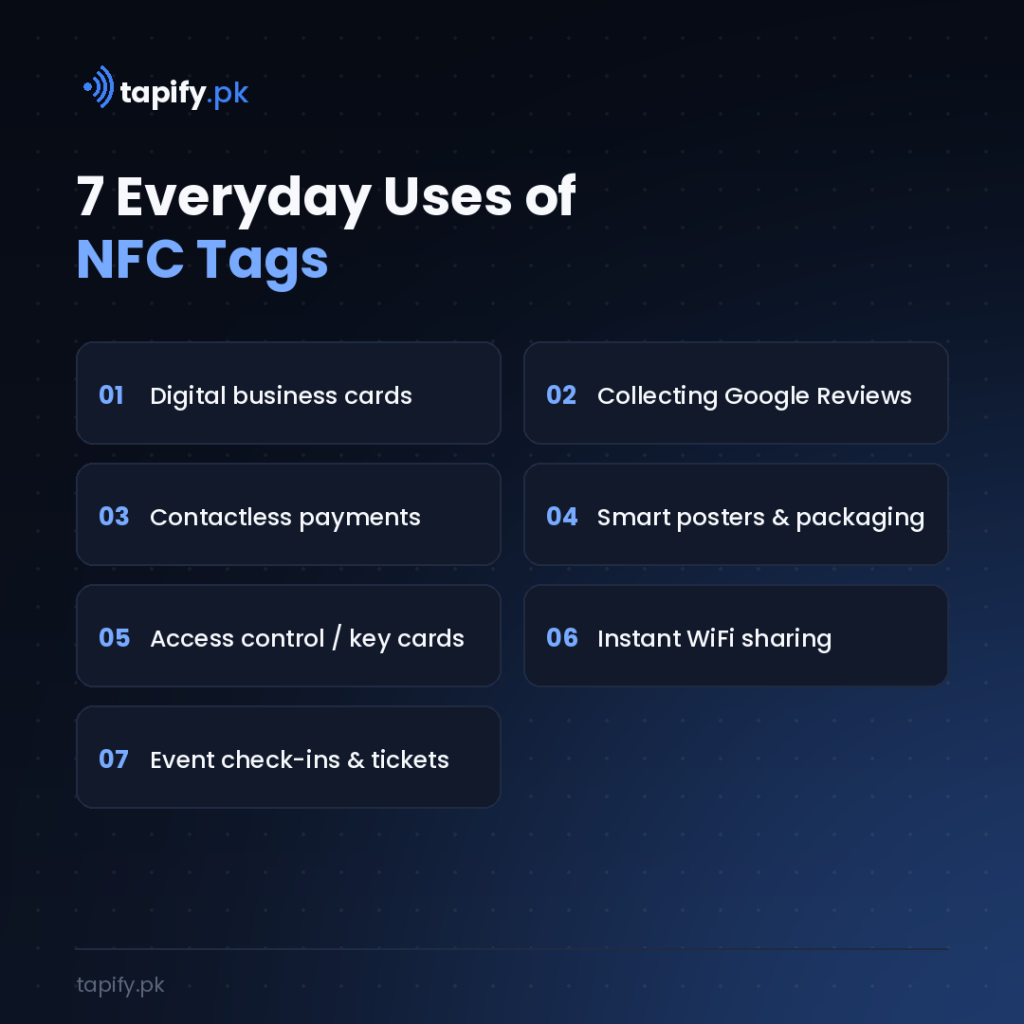
NFC tags have quietly become one of the most versatile pieces of everyday tech. Common real-world uses include:
- Digital business cards — tap a card to instantly share contact details, social links, and a website, without exchanging paper cards.
- Collecting Google Reviews — a single tap opens a business’s Google Review page directly, removing the friction of searching for it manually.
- Contactless payments — the same underlying technology powers tap-to-pay cards and mobile wallets.
- Smart posters and packaging — tap a poster or product to open a video, offer, or product page.
- Access control — office doors, hotel rooms, and gyms increasingly use NFC-based key cards.
- WiFi sharing — tap a tag to join a WiFi network instantly, without typing a password.
- Event check-ins and wristbands — used for ticketing, cashless payments, and attendance tracking at events.
- Asset and inventory tracking — businesses tag equipment or products for quick scanning and tracking.
NFC Tags vs QR Codes — Which Is Better?
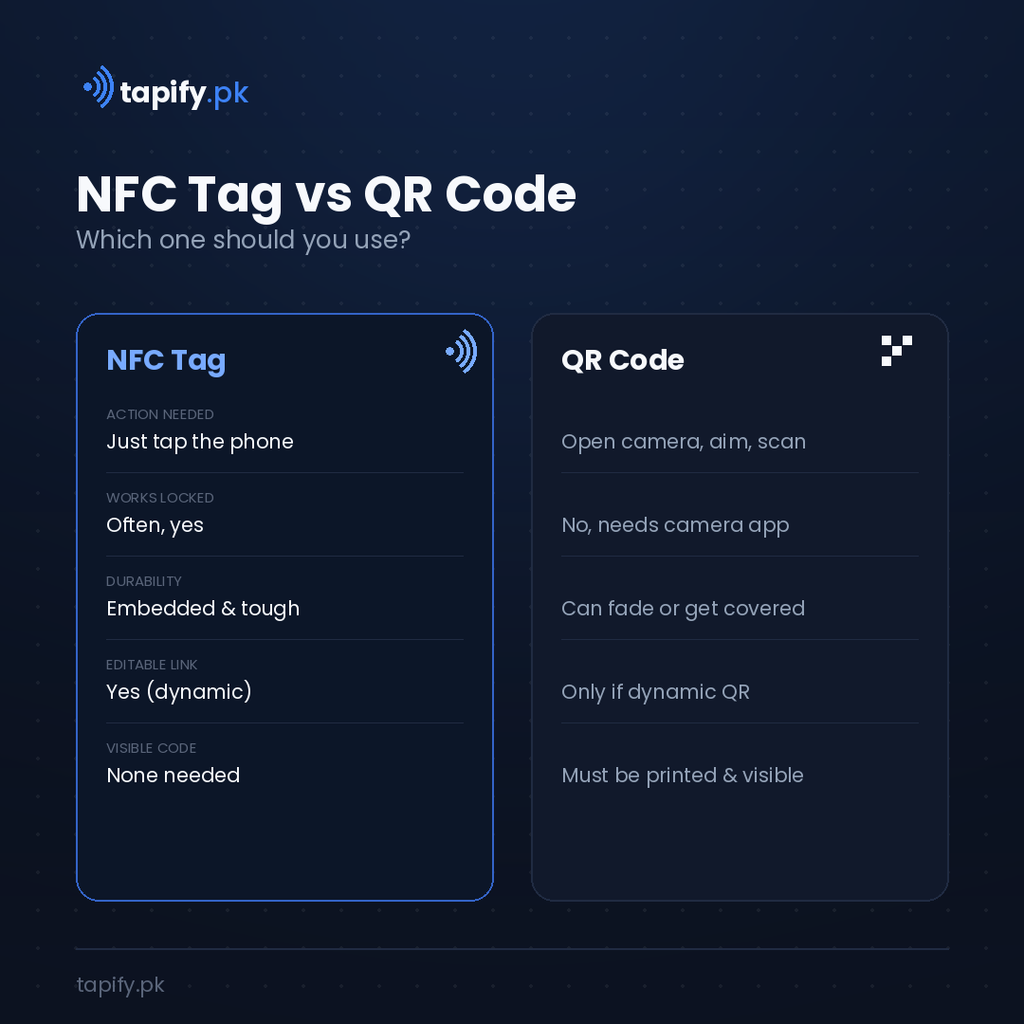
Both do a similar job — sending someone to a link or piece of information — but they work differently:
| NFC Tag | QR Code | |
|---|---|---|
| Action needed | Just tap the phone | Open camera, aim, scan |
| Works without unlocking | Often yes (varies by phone) | No, camera app needed |
| Durability | Embedded, hard to damage | Can fade, tear, or get covered |
| Reusable / editable | Yes, if using a dynamic link | Only if using a dynamic QR service |
| Visual branding | Invisible, no code to display | Needs visible printed code |
| Cost | Slightly higher per unit | Free to generate |
In practice, most modern products (like Tapify cards) include both — an NFC chip for a one-tap experience on supported phones, and a QR code as a universal backup for any device.
Are NFC Tags Safe to Use?
Yes. NFC’s very short range (a few centimeters) is actually a security feature — someone would need to be almost touching your device to intercept anything, which is far harder than intercepting WiFi or Bluetooth signals from across a room. Sensitive applications like contactless payments add additional encryption on top of this. For everyday uses like sharing a link or contact card, there’s no meaningful risk.
How to Program an NFC Tag Yourself
If you want to try it, most blank NFC tags (commonly NTAG213 or NTAG215 chips) can be programmed in under a minute:
- Download a free NFC-writing app (widely available on Android and iOS).
- Open the app and choose “Write” or “Create a new tag.”
- Select the data type — usually a URL, text, or contact card.
- Hold your phone near the blank tag until it confirms the write is complete.
- Test it by tapping the tag with a different phone.
For business use, most people skip the DIY route and use a managed digital profile (like Tapify) so the linked content — reviews, socials, contact info — can be updated anytime without reprogramming the physical tag.
NFC Tags in Pakistan — What to Know Before You Buy
NFC tags and NFC-enabled cards are now widely available in Pakistan through local marketplaces and specialty vendors in Lahore, Karachi, and Islamabad. A few practical notes if you’re buying:
- Blank sticker tags (NTAG213/215) are the cheapest option, useful for DIY projects, packaging, or simple link-sharing.
- NFC business cards cost more but include a designed card, a hosted digital profile, and ongoing support — better suited for professionals and businesses that want reviews, social links, and contact info in one place.
- Check compatibility — nearly all NFC-enabled Android phones and iPhone 7 and later support tap-to-read out of the box.
- Look for a dynamic link setup — the biggest advantage of a good NFC card is that the tag itself never needs replacing — you just update where it points.
The Bottom Line
NFC tags turn a simple tap into an instant, contactless way to share information — no app downloads, no typing, no waiting. Whether you’re using one to open a WiFi network at home or to help your business collect more Google Reviews, the technology is simple, safe, and already sitting in most people’s pockets.
If you’re a business owner in Pakistan looking to put NFC to work — for a digital business card, Google Review card, or smart profile — that’s exactly what we build at Tapify.pk.